
Nuclideon
  • Products
  • Industries
  • Company
  • Blog
  • TCO Calculator
Get in Touch
udStream User Guide
  • 12DXML Import
  • Basic Shapes
  • Communication Lines
  • Convert
  • Customising udStream
  • Scene Explorer
  • FAQs
  • Filters
  • Paths, Flythroughs and Video Export
  • Folders
  • Gizmos
  • General Transit Feed Specification
  • Height Measurement
  • Hosting a Model
  • I3S / 3D Tiles
  • Enterprise Deployment: JSON Settings Reference
  • Live Feed
  • Logging into udStream
  • Map Tiles
  • Measurements
  • Media
  • Importing Model Data
  • Places
  • Points of Interest (Annotations & Measurements)
  • UDS Point Cloud
  • Polygon Model
  • Importing Project Data
  • Scene Settings
  • Quick Start
  • Satellites
  • Scene Viewport
  • Section Views
  • Settings
  • Tactical Shapes
  • Tactical Unit Groups
  • Viewpoints
  • Viewsheds
  • Water

Scene Settings

Scene settings can be used to set the information of the project.
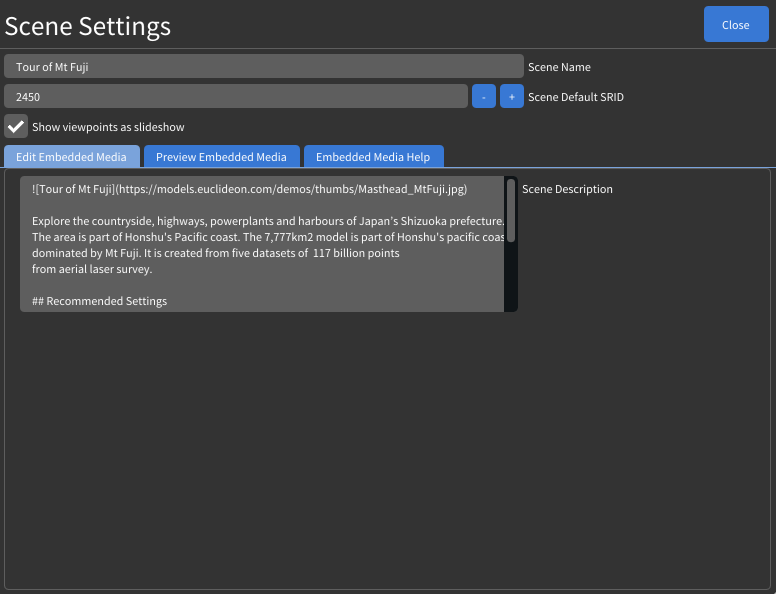
Scene Name

Scene name is displayed in the Scene Explorer window and can be duplicated.

Project default SRID

Also used as a recommended SRID.

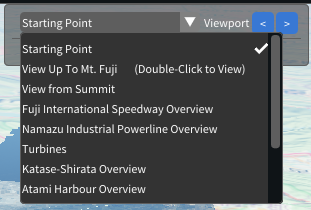
Show viewpoints as slideshow

Toggle slideshow panel (top right corner).
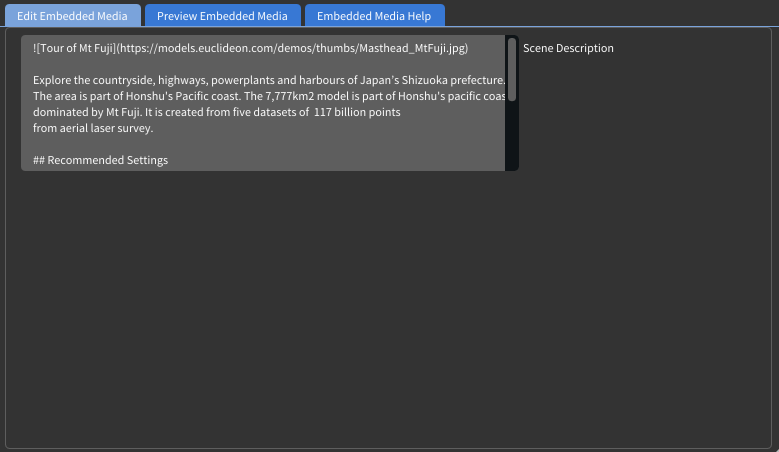
Markdown script

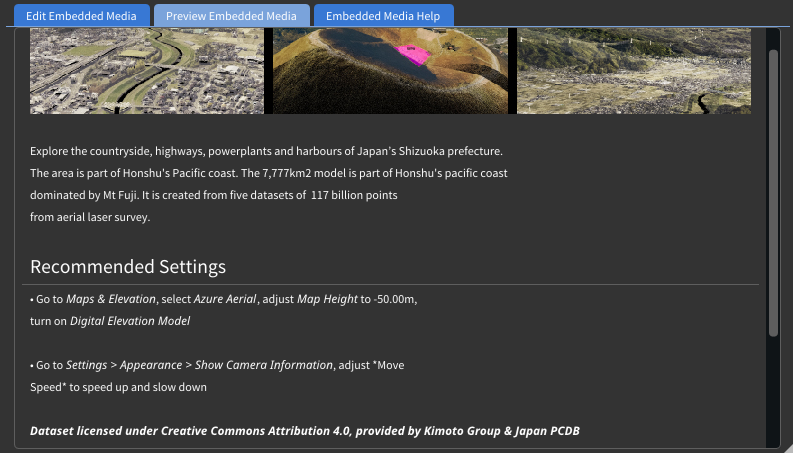
udStream supports Markdown script for creating project information. You can edit your Markdown script and browse effect in "Edit Embedded Media".

Edit
Preview
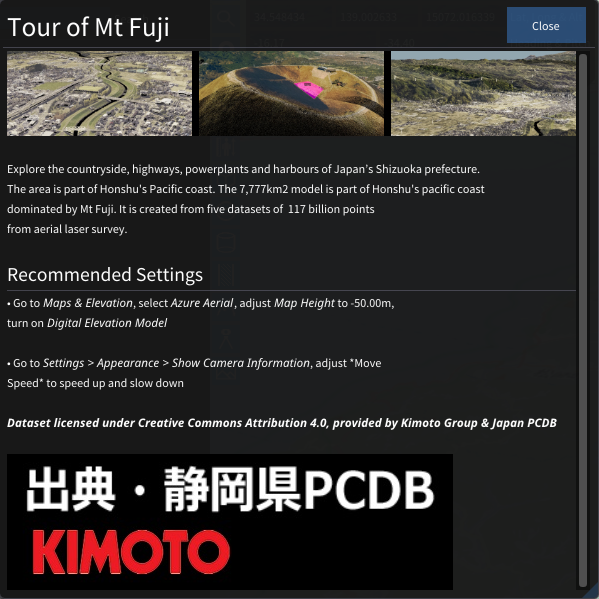
Information Window
On this page

  • Scene Name
  • Project default SRID
  • Show viewpoints as slideshow
  • Markdown script
    • Edit
    • Preview
    • Information Window

Products

  • udStream
  • udSDK
  • udCloud

Company

  • About Us
  • Careers
  • Contact Us

Resources

  • Privacy Policy
  • Terms of Service
Nuclideon on LinkedInNuclideon on GitHub

Copyright © 2024-2026 Nuclideon Pty Ltd (ACN 681 220 548).